
Download Cowboy with Keyboard – typing game, educational game, keyboard shooter, wild west theme, learning typing, fun typing, typing practice, arcade game, educational app, typing skill
Overview
Cowboy with Keyboard is an innovative educational game designed to blend learning with entertainment in a dynamic Wild West setting. The app targets users seeking an engaging way to improve their typing skills through an arcade-style shooter experience. By requiring players to type the correct keys that correspond to villains appearing in animated windows, the game transforms routine keyboard practice into an immersive adventure. This approach is particularly effective for younger learners, students, and anyone looking to enhance typing speed and accuracy in a low-pressure, enjoyable format.
The game addresses the common challenge of maintaining motivation during repetitive skill-building tasks by incorporating game mechanics such as scoring, progression, and multiple modes. Its educational value lies in reinforcing keyboard familiarity and hand-eye coordination through immediate feedback and visual cues. Real-world applications include classroom use, home-based learning, and casual practice for individuals preparing for digital work environments. The developer, The Game Factory, has positioned the app within the education category, emphasizing utility over pure entertainment.
Although the developer did not provide additional technical details, the app’s longevity since its 2013 release suggests a stable, well-structured design. Its presence in the educational app ecosystem highlights a niche strategy: using gamification to teach foundational digital literacy skills. The Wild West theme adds narrative depth, making the experience more memorable and engaging than standard typing drills.
Key Features & Functionality
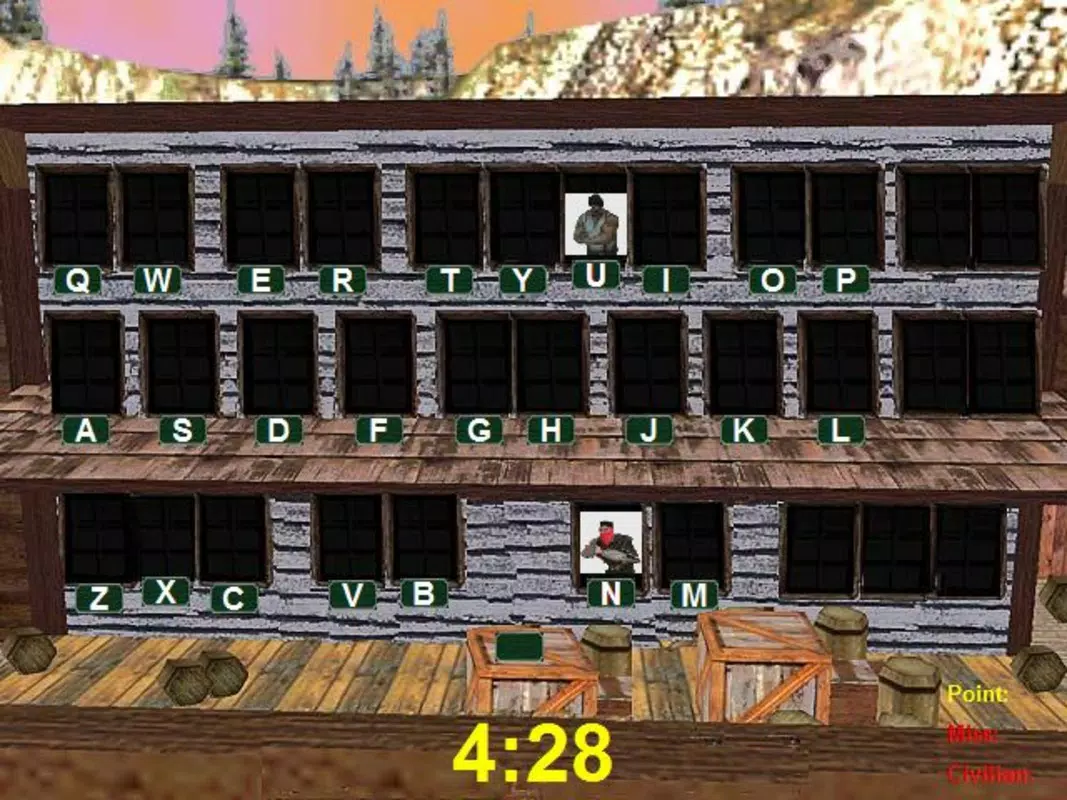
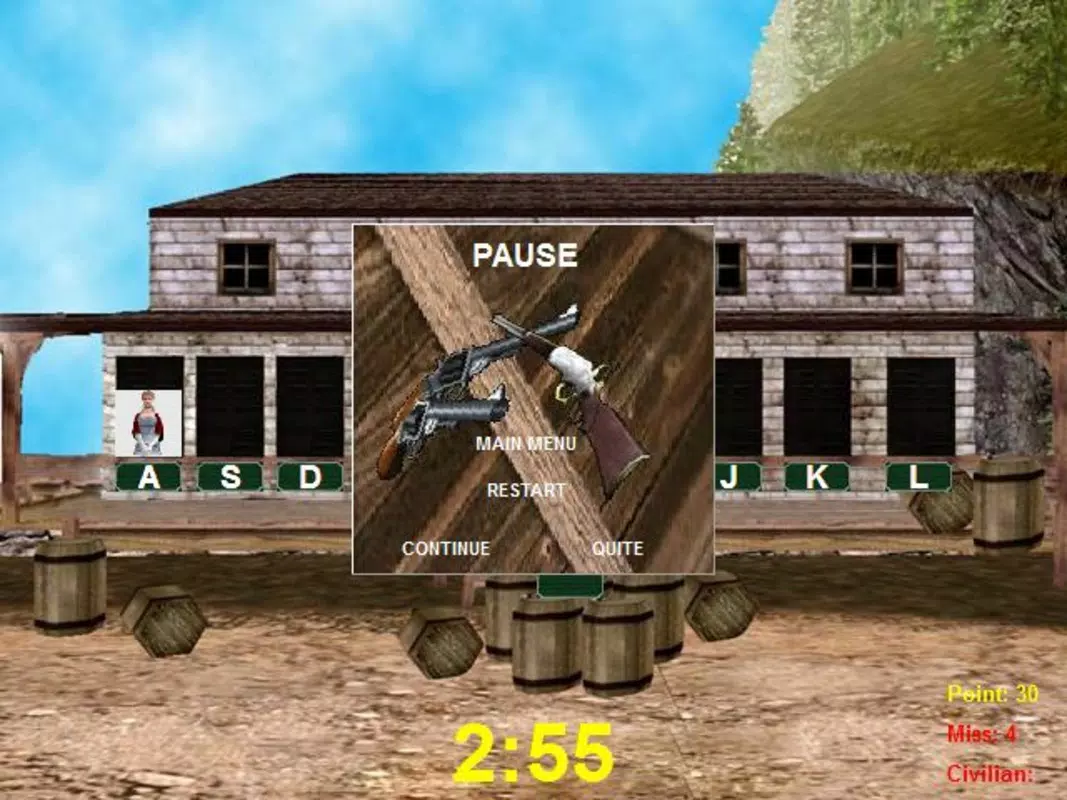
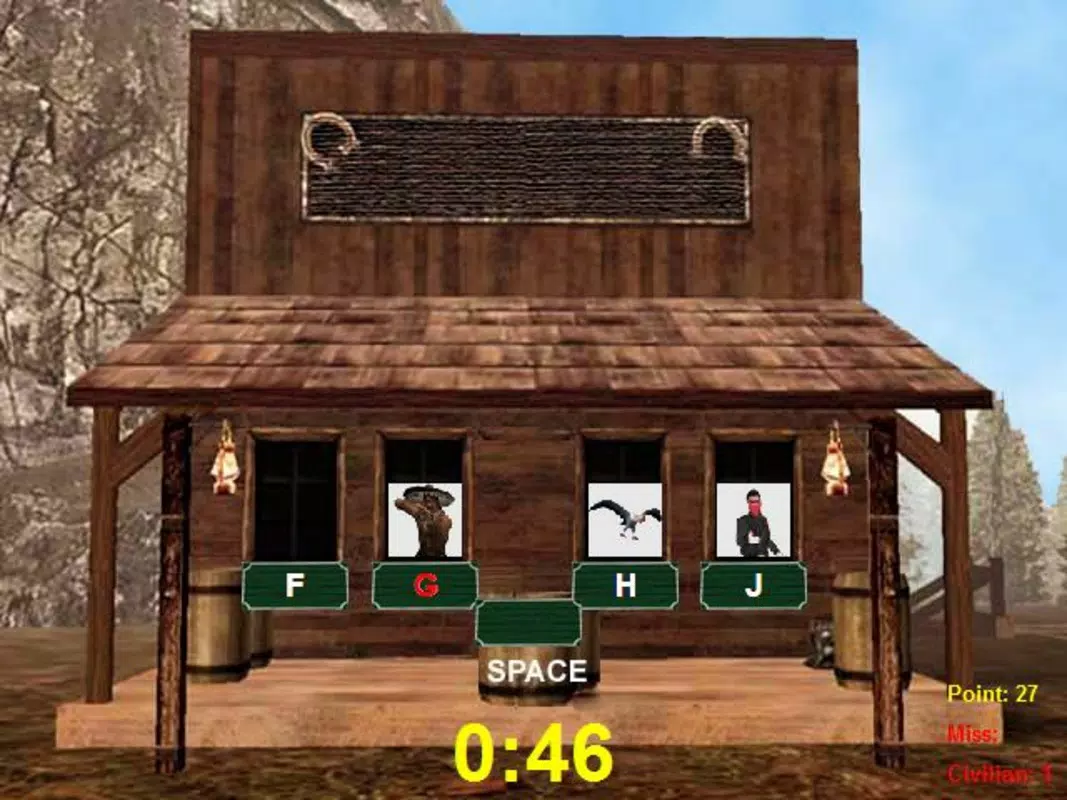
- Wild West Shooter Theme: The game’s visual design features western-style buildings, animated characters, and a dynamic backdrop that enhances immersion. Players shoot villains by typing the correct keys, creating a unique fusion of typing practice and arcade gameplay.
- Progressive Difficulty Levels: With three distinct difficulty settings, the app supports users at various skill levels. Beginners start with a limited set of keys, gradually unlocking more as they improve, ensuring a smooth learning curve.
- Two Game Modes: Standard mode emphasizes reflexes and typing speed, while duel mode requires players to type full words, promoting vocabulary and accuracy. This variety keeps gameplay fresh and caters to different learning goals.
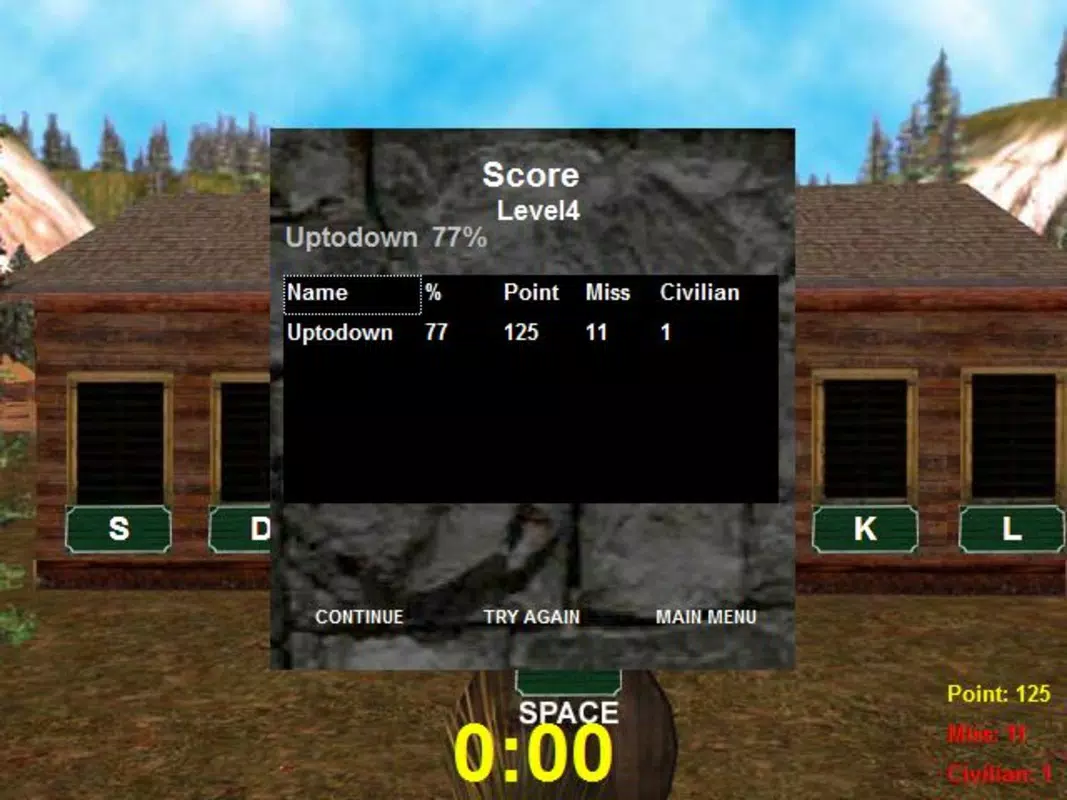
- Customizable Scoring System: Players can adjust score settings to personalize their experience, allowing for flexible learning goals and encouraging consistent engagement.
- User Profile Creation: Multiple profiles can be created, enabling families or classrooms to track individual progress. This feature supports shared device usage and individualized learning paths.
Each feature serves a clear educational purpose. For example, the progressive difficulty ensures that learners are neither overwhelmed nor bored, while the duel mode helps build confidence in typing complete words. The profile system supports accountability and long-term progress tracking, making it ideal for group or home-based learning environments.
Interface, UX & Performance
The user interface of Cowboy with Keyboard is designed around a central gameplay area with animated western windows that pop up at random intervals. Key elements are clearly visible, with villain characters appearing above designated keys, prompting immediate typing responses. The visual style is consistent with the Wild West theme, using bold colors and stylized graphics to maintain engagement without cluttering the screen.
Navigational flow is straightforward: players select a mode, choose a profile, and begin typing. The game provides real-time feedback through score updates and visual cues when keys are correctly typed. Although the developer did not list formal performance metrics, the app’s lightweight size of 34.7 MB suggests efficient resource usage, which likely contributes to smooth operation on a range of Android devices.
Responsiveness appears to be well-balanced, with minimal lag between key presses and visual feedback. Stability is implied by the app’s continued availability since 2013, though no recent update history was provided. The interface remains intuitive, requiring little to no tutorial, which benefits users with limited experience in mobile gaming or educational apps.
Platform Compatibility & Technical Requirements
Cowboy with Keyboard is available exclusively on the Android platform. The app has a file size of 34.7 MB, making it suitable for devices with moderate storage capacity. The software version is listed as 1.0.1, indicating a stable release with no major updates reported since its initial launch in 2013.
The developer did not specify minimum OS requirements or compatibility details for specific device categories. As such, users should verify compatibility with their device’s Android version before installation. While the app’s age suggests it may function on older Android systems, newer features or security updates may not be supported. The lack of detailed technical specifications means users should proceed with caution on devices running recent Android versions.
Pros and Cons
- Unique blend of typing practice and arcade gameplay
- Multiple difficulty levels support progressive learning
- Two distinct game modes for varied skill development
- Customizable scoring system enhances personalization
- Multiple user profiles allow shared device use
- No recent updates since 2013; potential compatibility concerns
- Minimal information on system requirements or performance
- Limited visual and audio feedback options
- App may not support modern Android security standards
- Single platform availability (Android only)
FAQ
Is Cowboy with Keyboard free to download?
Yes, the app is available at no cost. It does not require a subscription or in-app purchases to access core features.
Can I use Cowboy with Keyboard on iOS devices?
Based on the provided information, the app is currently only available for Android. There is no indication of an iOS version.
How do I create a new user profile?
Players can create multiple profiles within the app to track individual progress. The process is accessible from the main menu and requires no external setup.
Does the app require an internet connection?
The app functions offline. No internet connection is needed to play or access core features.
Is the app safe to install?
As a free Android app from The Game Factory, it is available through official channels. However, users should ensure installation from trusted sources to maintain device security.
Final Thoughts
Cowboy with Keyboard remains a distinctive entry in the educational app space, offering a creative solution to the often-dull task of typing practice. Its Wild West theme and arcade mechanics provide a refreshing alternative to traditional drills, making it ideal for students, educators, and casual learners. While the app’s age raises questions about modern compatibility, its core functionality continues to deliver value through customizable learning paths and engaging gameplay.
For families, classrooms, or individuals seeking a fun, low-cost way to build typing proficiency, this app presents a compelling option. Its focus on skill progression, profile tracking, and dual gameplay modes ensures that users stay engaged over time. Despite the lack of recent updates, the app’s enduring design and clear educational purpose stand out in a crowded market.
Download Cowboy with Keyboard now


